
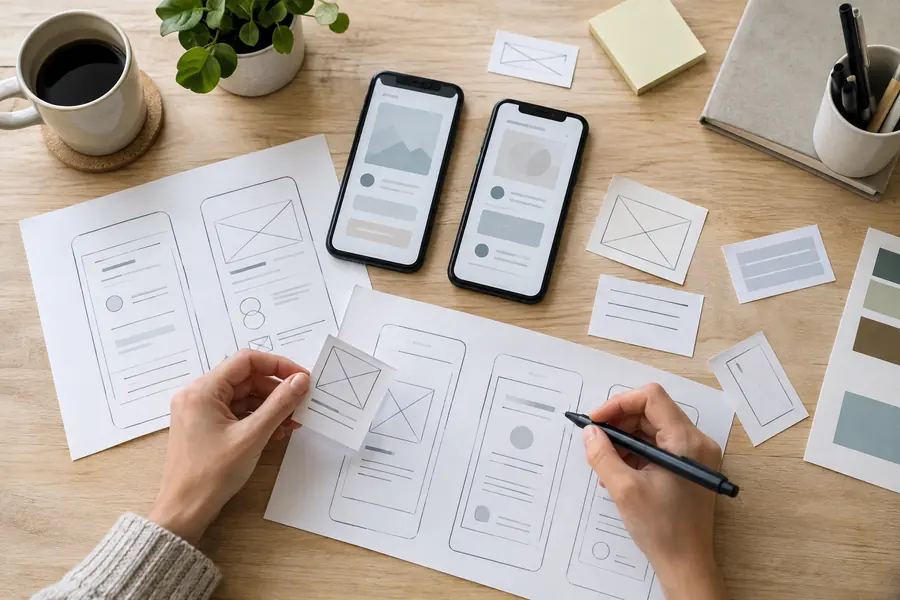
Mobile App Design
Look at the task before drawing the screen
We focus each screen on the next useful action, keep forms manageable and show clear feedback when something is saved or fails. Touch targets, interrupted sessions and right-to-left layouts are considered before the screens reach development.
Design review
- Platform-specific design (iOS/Android)
- Touch-optimized interaction design
- Onboarding & engagement flows
- Interactive high-fidelity prototypes
- Usability testing on real devices
In practice
Mobile App Design: a practical example
Review a form someone might complete while standing on site. Reduce typing where a useful choice is available and explain errors beside the field. Test the screen with the keyboard open, a long Arabic label and an interrupted submission before approving the design.
An illustrative scenario to discuss when planning your project.