Native iOS & Android SDKs
Provide native integration components so mobile teams can use a documented starting point on each platform.


A building block that fits your actual app.
Labina SDK connects a reusable feature with the devices, permissions and app versions your team supports. Integration needs to account for unavailable permissions and interrupted connections. Review the sample implementation, update process and diagnostic information so the SDK remains understandable beyond its first installation.
An SDK should make integration easier for the developer using it.

Explore how the product could bring its tools and working records into one view. Review the workflow design during your product walkthrough.
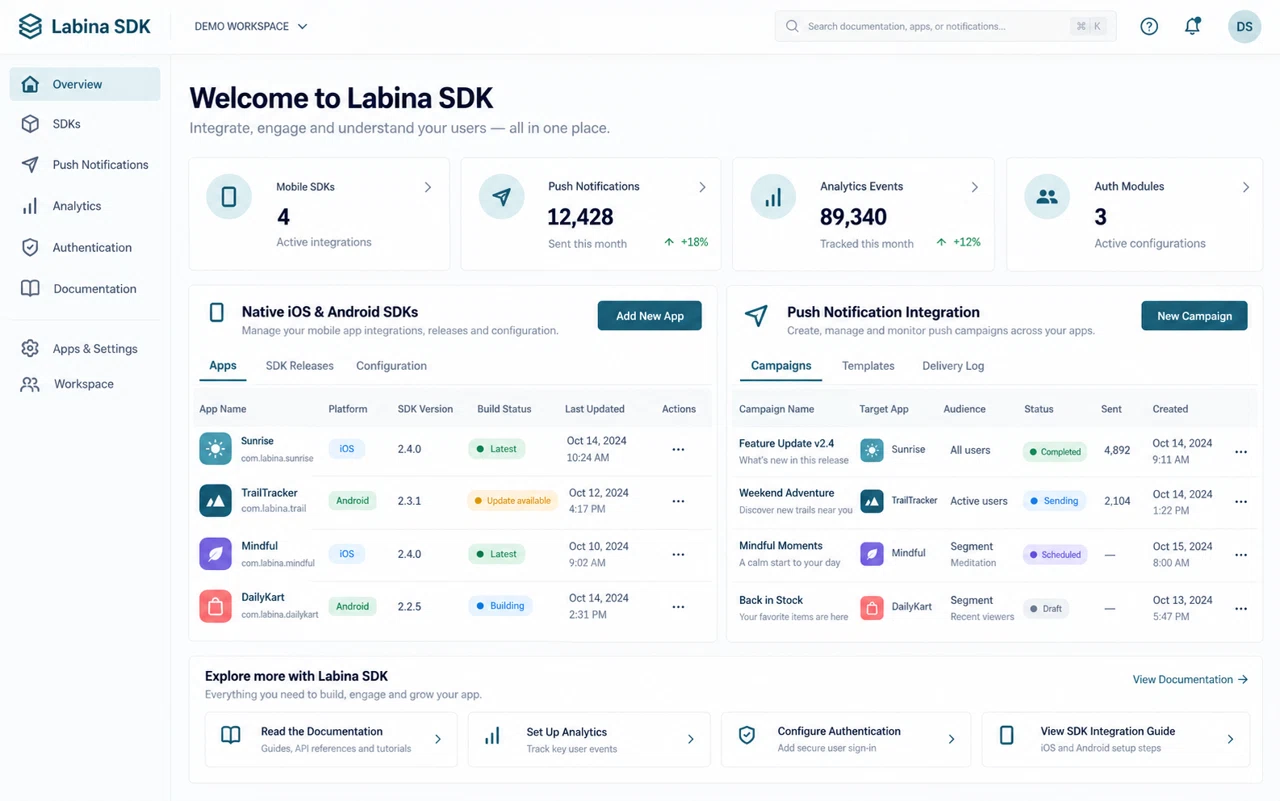
Connect each capability to a day-to-day task and a practical result your team can evaluate.
Provide native integration components so mobile teams can use a documented starting point on each platform.
Connect push messaging to application events so users can receive relevant updates.
Capture agreed usage events to understand which app journeys need improvement.
Bring one example from your daily work. We can review the records involved, who owns each step and which integrations are needed before defining the implementation scope.
Discuss your workflowThe package discussion covers supported platforms, examples, version compatibility and how failures are surfaced. Clear release notes matter when an application depends on the SDK over time.
Integrate a sample feature into the app version your team actually uses. Test an unavailable permission and a device with a poor connection. Confirm the update process and the information needed to diagnose integration problems.
An illustrative scenario to discuss when planning your project.The people involved include mobile developers, QA testers and application owners. Begin with a small, representative set of target platforms, app versions, authentication flows and event definitions, then identify the decision or action each role needs to complete. This helps shape a useful first release and avoids collecting information that nobody uses.
A working setup needs more than a successful first deployment. Agree access, environment boundaries, monitoring, recovery and change ownership. Review a normal operation and an interrupted one before handover, with clear instructions for diagnosing the issue and deciding whether to retry, restore or roll back.
Identify the current sources of target platforms, app versions, authentication flows and event definitions. Check data quality, shared references and required fields before agreeing what will be migrated, connected or recreated.
Review the needs of mobile developers, QA testers and application owners. Document permissions, required integrations, the authoritative system for each record and what happens when information cannot be exchanged.
Use safe sample data to complete sign-in and an agreed event flow on the supported device and OS versions. Agree expected results, review exceptions and record acceptance decisions before widening access.
Name the configuration owner, change decision-maker and support contact. Plan training and documentation around ordinary tasks, then review early use under the agreed support arrangement.
Prepare examples of target platforms, app versions, authentication flows and event definitions, with confidential details removed. Explain the step that takes the most effort or causes confusion, and identify who needs to review the result.
We define a scenario that lets your team complete sign-in and an agreed event flow on the supported device and OS versions. Compare the result with the current process and document requirements and gaps before approving the implementation scope.
The required systems and data sources are reviewed first. The integration plan covers access, field mapping, transfer timing and responsibility for errors. The proposal identifies included connections and any custom work needed.
The proposal considers features, users or workload, the operating environment, integrations and migration. Training, operational ownership and the support arrangement are agreed alongside the implementation scope.