
Industries
CAD/CAM Integration
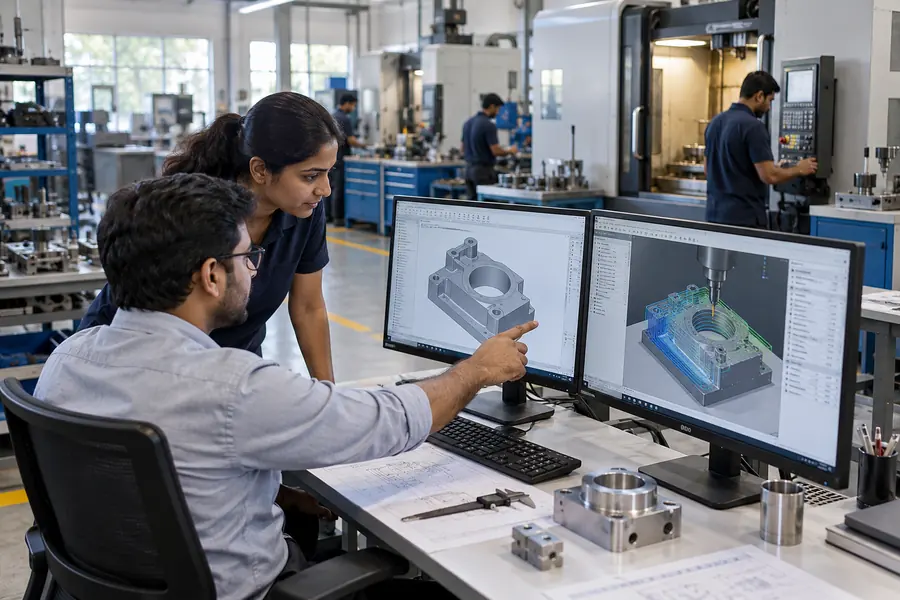
Design changes need to reach manufacturing with the right version and supporting information.
CAD/CAM Integration
Follow the record to the next decision
We discuss how design files, part references and production instructions move between tools. Clear revision ownership prevents teams from working with an outdated specification.
Workflows to examine
- CAD-to-CAM data integration
- Design version synchronization
- Automated toolpath generation
- Production planning handoff
- Engineering change tracking
In practice
CAD/CAM Integration: a practical example
A design revision arrives after a manufacturing job has been prepared. Check which drawing, material list and machine instruction should apply before production continues. The handoff needs to make the approved version clear and retain the reason an earlier version was replaced.
An illustrative scenario to discuss when planning your project.